Whole rails, real openings
Gate openings are deducted from the run they sit on, and every section is billed in whole rails. Posts, gate posts and fittings follow from the drawing.
For installers
Find the property on the map, trace the fence and place the gates. SpecStack measures the drawing, builds the materials list and prices it from your supplier's price book. No drawing to hand? Type the lengths instead.
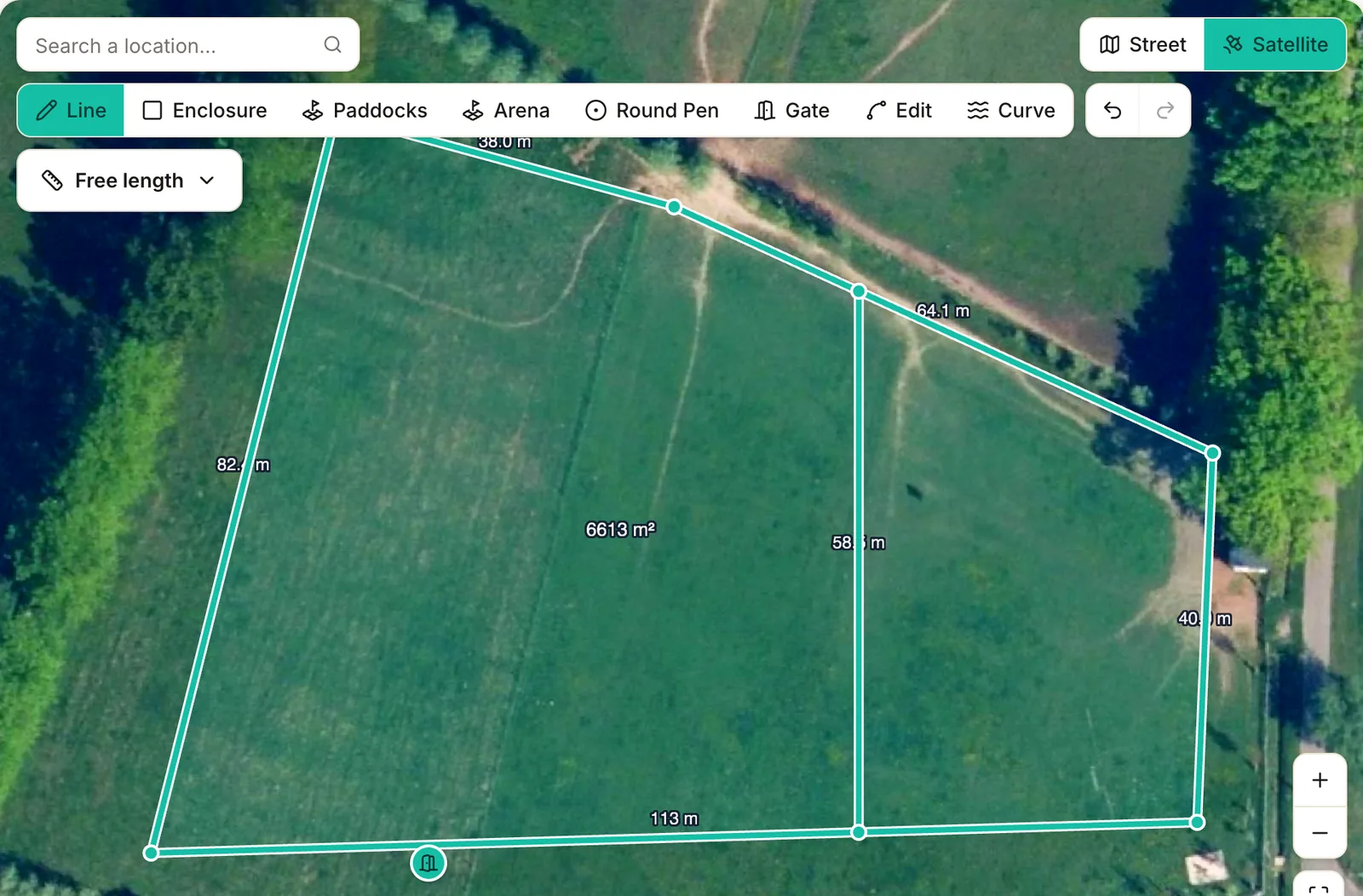 6 613 m², by the way.
Fig. 01 · Draw
Straight runs, curves, paddocks and gates live in one project. Each run keeps its own fence choice, so a horse paddock and a boundary fence can sit in the same quote.
The same direct drawing on a phone, a tablet or a desktop.
Fig. 02 · Count and price
Gate openings are deducted from the run they sit on, and every section is billed in whole rails. Posts, gate posts and fittings follow from the drawing.
Prices come from your supplier's price book at your own conditions. You see your purchase price and your margin; your customer never does.
If something has no approved price, SpecStack says so and refuses to quote it. It never fills in a zero or an estimate.
Fig. 03 · Quote
The PDFs carry your own branding: your logo, your colour, your contact details. Produce them in Dutch, French, English, Spanish or German, whatever language you work in yourself.
The commercial document: lines, totals, validity and your terms. Customer prices only.
The satellite ground plan and 3D views of the project. No prices on it at all.
The same quote with your own service terms attached on separate pages.
The same quote as a spreadsheet, without purchase prices.
A change never overwrites a quote. It is saved as a new version, and the old one stays as it was.
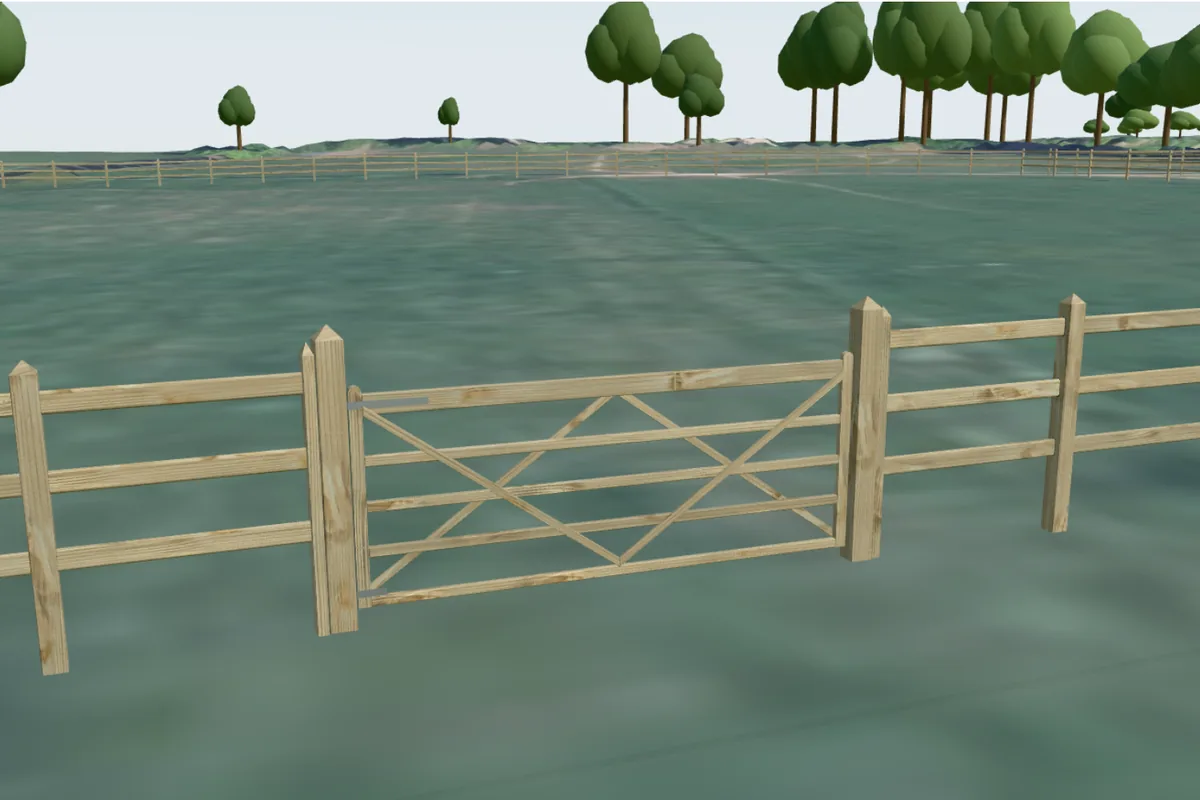 Hinges and all
Fig. 04 · 3D
Every drawn project gets a 3D view on the real terrain: posts stand upright, rails follow the slope, gates sit where you placed them. Walk around it on the quote page, pick the views for the plan, or send your customer a link.
An impression of the result, not a land survey.
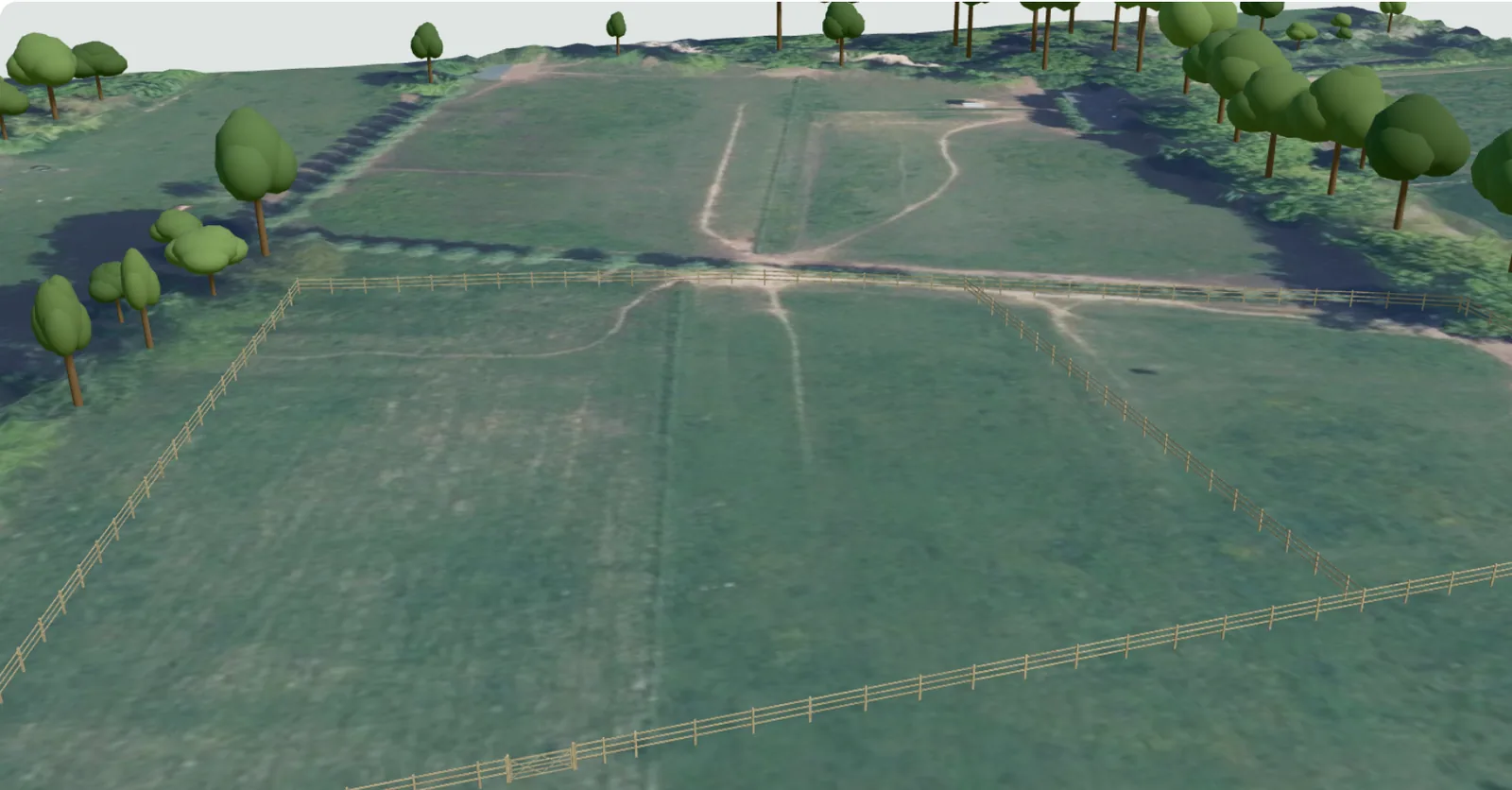
Fig. 05 · Order
Send the materials to your supplier as an order at your purchase prices. Follow it, message the supplier about it, and see what the delivery will look like before the truck is booked.
Fig. 06 · Your company
Give a representative their own login. They quote and discount within the limit you set, and never see purchase prices.
Your quotes, customers and prices are separated from every other company on the platform, in the database itself.
Add the website plugin and requests drawn by your customers arrive in the same place as your quotes.